Jammin' Jeweler
Travel Check-Ins
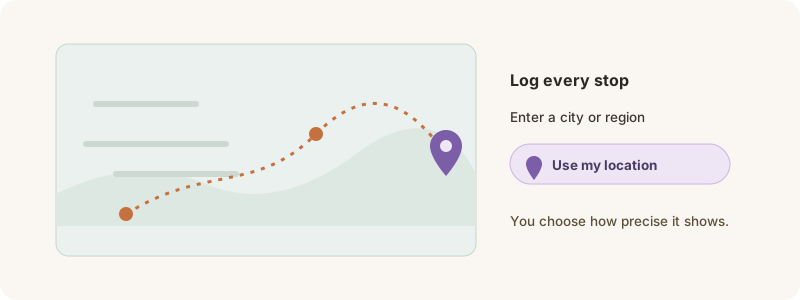
Log where a piece you own has traveled — including “Use my location”.
Own a piece? Log where it travels — each check-in adds to its passport journey and helps its Living Gemstone grow.
How to check in
1. Open your piece’s passport and tap Add a travel check-in (owners only).
2. Enter a city / region — or tap Use my location to fill it in.
3. Choose how much of the location to show publicly, add an optional note, and save.
Your check-ins draw the piece’s journey map over time. Only the current owner can add them, and you control how precise each location is.