Jammin' Jeweler
The Stone Gallery: share & follow stones
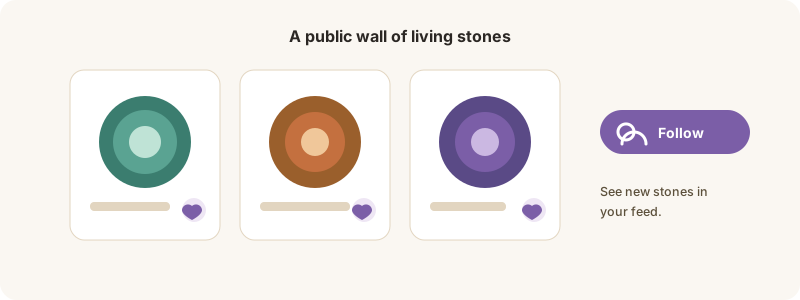
Make your stone public, and follow others as they grow.
Your Living Agate is private by default — but you can share it, and follow others.
Share your stone
1. Open My Living Agate and turn on Feature in the public gallery.
2. Choose whether to show your name or stay anonymous.
3. It now appears in the Stone Gallery for others to see.
Owners can share a piece’s Living Gemstone the same way, from their collection.
Follow stones you love
In the Stone Gallery, switch between Living Agates and Living Gemstones, and follow any public stone to watch it grow — it lands on your watchlist.
Sharing is always your choice, and you can turn it off any time.