Jammin' Jeweler
Registering a piece you own
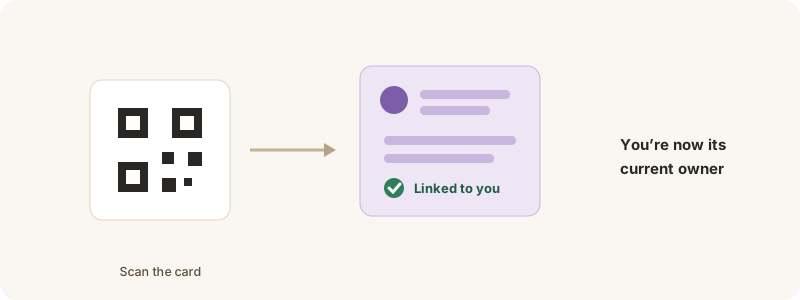
Claim a piece and its passport.
Bought a Jammin’ Jeweler piece elsewhere, or received one as a gift? Register it to link its passport to your account.
How to register
1. Open the piece’s passport — scan the QR on its card, or find it in the Gallery.
2. Tap Register / claim this piece and follow the prompts.
3. Once claimed, it appears in your collection and you become its current owner on the passport.
Registering is how the passport knows who holds the piece today — it’s what lets you log travel check-ins and carries the Living Gemstone into your collection.