Jammin' Jeweler
Notifications & email preferences
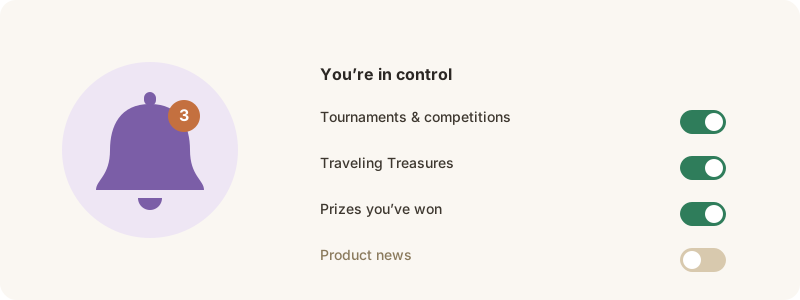
What we send, and how to turn categories on or off.
We’ll let you know when something you care about happens — and you’re always in control.
What we send
Occasional emails about things like a tournament you can vote in, a competition result, a Traveling Treasure update, or a prize you’ve won.
Manage them
1. Open Settings from your profile menu.
2. Find Notification preferences.
3. Turn categories on or off — the change takes effect right away.
Every email also has a manage-preferences link at the bottom. Turn off what you don’t want; keep what you do.