Jammin' Jeweler
Managing your artist profile
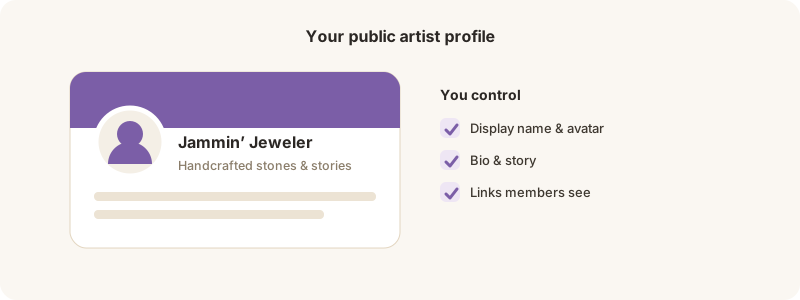
Bio, images, and public/private visibility.
Your artist profile is your public face on Jammin’ Jeweler.
Edit it
1. Open My Artist Profile from the Creator tools.
2. Set your bio, images, and links.
3. Choose public or private visibility, and (on the Creator plan) enable your public portfolio at your @handle.
Your public identity is what collectors see — keep it polished. You can toggle visibility any time.