Jammin' Jeweler
Hosting your own competition
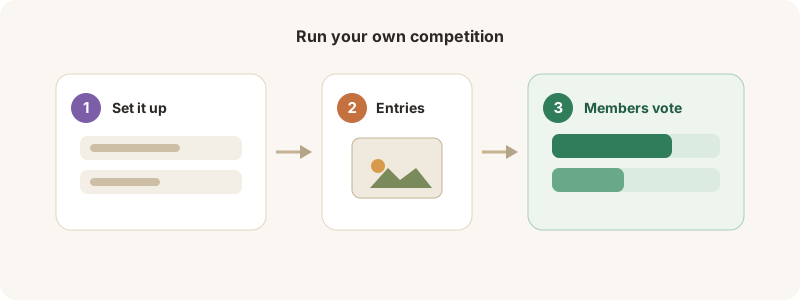
Creator setup, the join code, and sharing via QR / anonymous voting.
Creators can run their own competitions — a bracket or a head-to-head battle — and share them far and wide.
Set one up
1. From the Creator tools, choose Host a competition, pick a format (bracket or battle), and the entrants.
2. Set the schedule and options — including anonymous voting and a QR code / share link so anyone can vote without an account.
3. Launch it. Share the join code or link; votes roll in and the bracket advances automatically.
Anonymous + QR voting is great for in-person events — print the code and let people vote on their phones.