Jammin' Jeweler
Checking in & passing on your Treasure
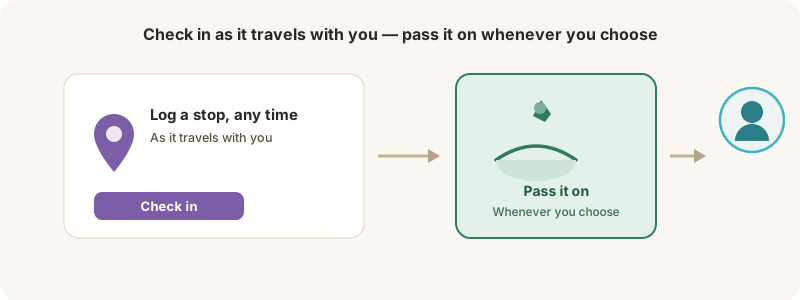
Log stops as it travels with you, and pass it on whenever you choose.
As its Keeper, you look after the treasure and enjoy it — check it in wherever it travels with you.
Check in a stop
1. Open the treasure in My Treasures and tap Check in.
2. Add the location (or Use my location), an optional note, and a photo if you like.
3. Save — it’s added to the treasure’s journey.
Check in as often or as rarely as you like. Each stop adds to the story, but there’s no schedule to keep.
Passing it on — whenever you choose
When you’re ready for the treasure to travel again, it’s easy: use Release to pass it on, note where you’re leaving it, and confirm you’re placing it somewhere safe and legal. It goes back out for the next finder, carrying the story you added to it.
Tip: you can add an emoji to a check-in note, and others can react to your journey entries.